How to create a service area map
Map service coverage against customer, site, asset or branch locations in the browser.
When to use this
Use this workflow to review manually defined operating areas; it does not calculate drive times, routes or schedules.
Step-by-step workflow
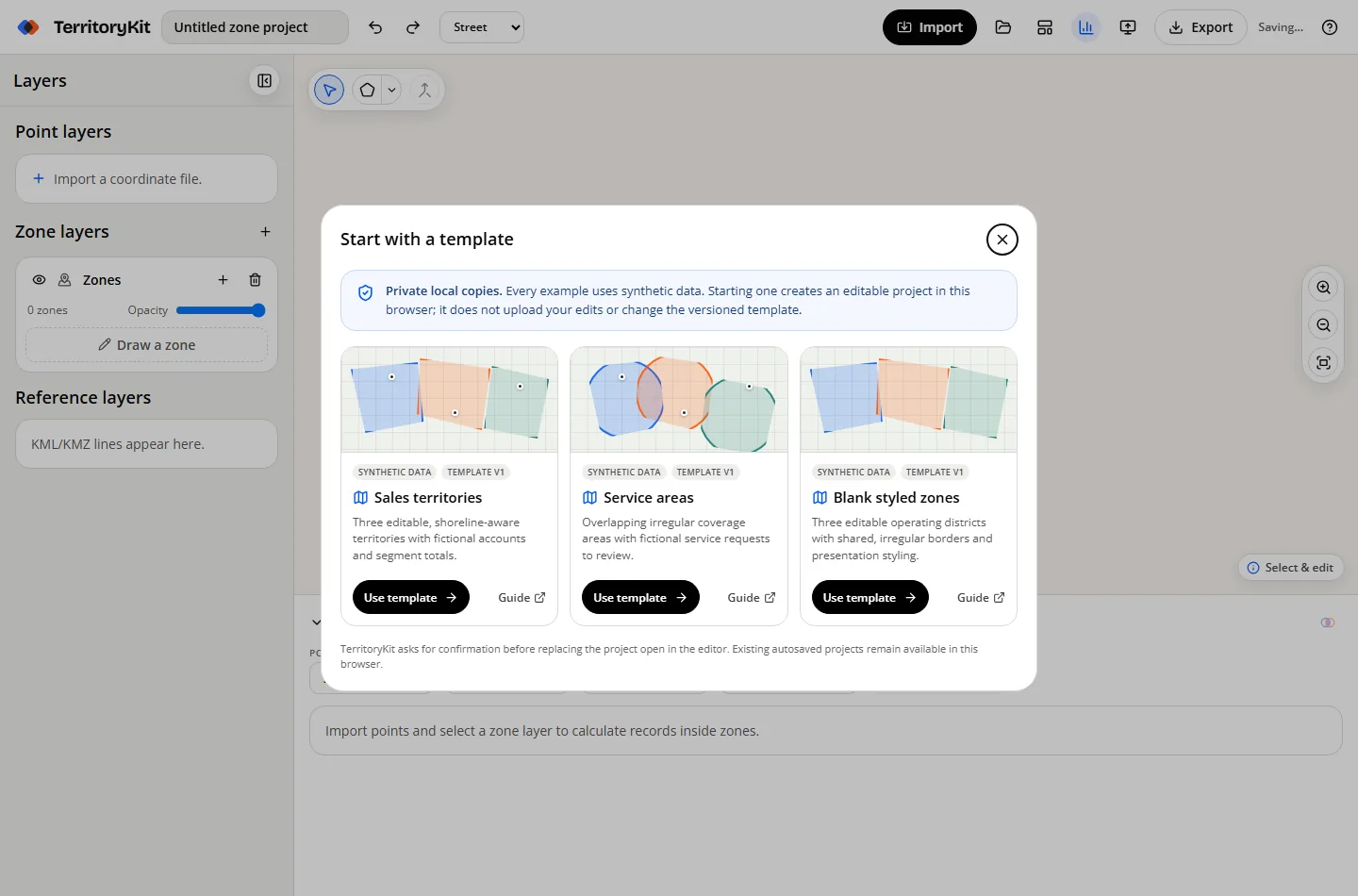
Start with an example or your data
Try the synthetic service-area template, or import coordinate-ready CSV or Excel rows.
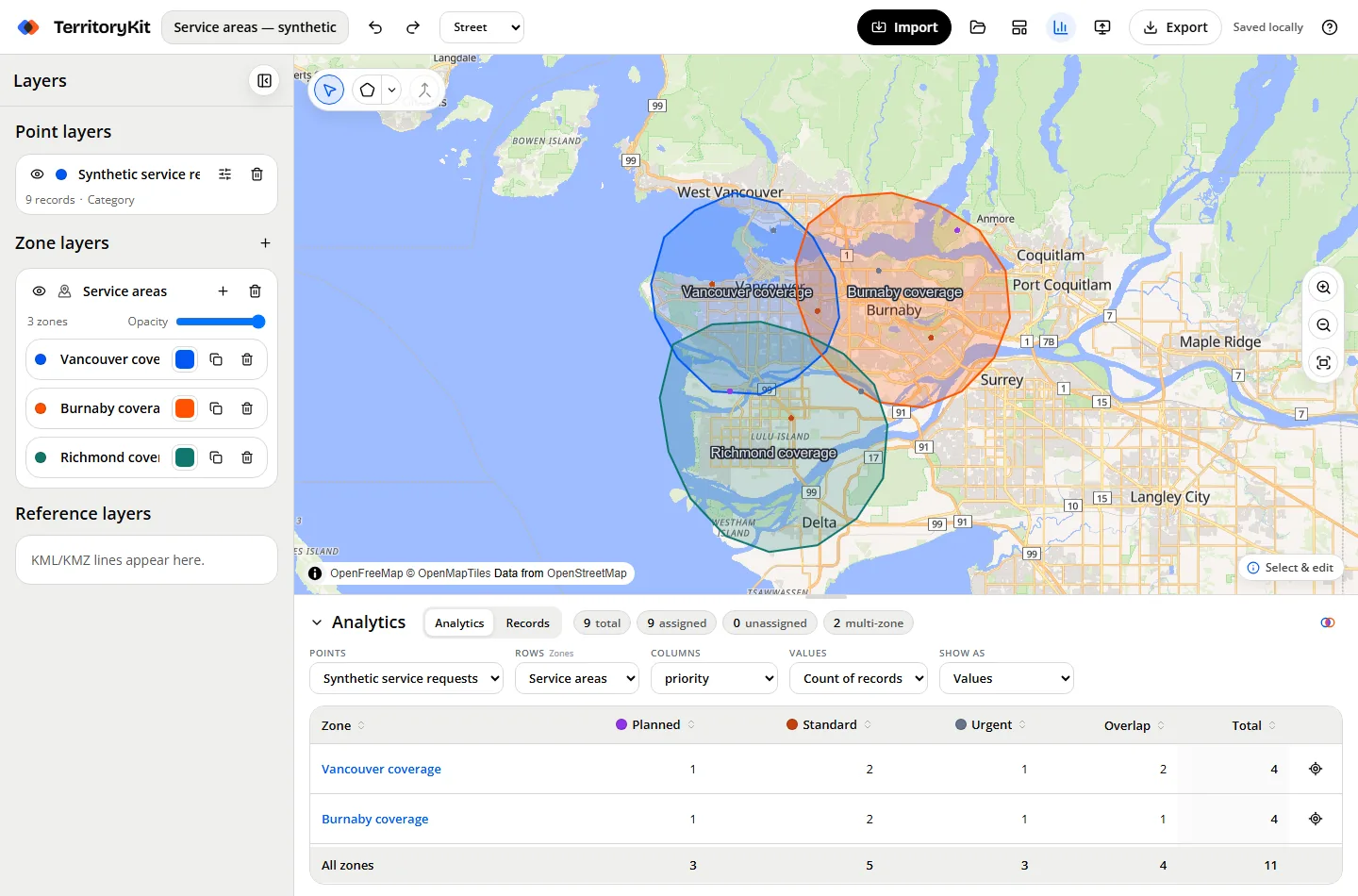
Draw coverage zones
Create polygon or circle areas for branches, teams or operating regions.
Review coverage
Choose the point and zone layers in Analytics to see assigned, unassigned and multi-zone records.
Inspect locations
Use Records to search sites, filter status fields and focus a location on the map.
Export the result
Download a visual map, membership table, metrics or KML/GeoJSON zone geometry.
Supported formats and inputs
- CSV, XLSX or XLS location data with latitude and longitude.
- KML or KMZ for existing coverage boundaries.
- Synthetic service-area project template for learning the workflow.
Tips and common mistakes
- Use overlaps deliberately when two teams share coverage.
- Check unassigned locations before treating the coverage plan as complete.
- Starter boundaries are realistic-looking synthetic examples, not official municipal or service limits.
- Keep route and travel-time decisions in a dedicated routing tool.
Export and results
Export metrics or membership for operations review, visual PNG/PDF for communication, and KML/GeoJSON when another mapping tool needs the boundaries.
FAQ
Does TerritoryKit calculate drive-time service areas?
No. It supports custom and imported boundaries, not travel-time polygons.
Can I find sites outside every area?
Yes. Analytics and the Records table identify unassigned locations.
Can I begin without my own file?
Yes. The service-area template uses synthetic data and creates a private local copy.
Related workflows
Build your first territory map
Bring your account list, draw the territories you need, and see the results as the map changes. Your first map is free.
Open Map Builder